
Multiple Pythons
Multiple implementations of the Python programming language, including the newest CPython and PyPy versions
One of the benefits of Fedora for Python developers is the ease of setting up Python development. The Fedora Python Classroom Lab makes it even easier for teachers and instructors to use Fedora in their classrooms or workshops. Ready to use operating system with important stuff pre-installed - either with GNOME or as a headless environment for Docker or Vagrant. Teach Python on Fedora, with Fedora, using the stuff you love: IPython, Jupyter Notebook, multiple Pythons, virtualenvs, tox, git and more
The Fedora Python Classroom Lab comes in 3 variants. Either you can run it in graphical mode with GNOME, or you can virtualize it with Vagrant or run it in a Docker container. You choose what fits your teaching environment the best.
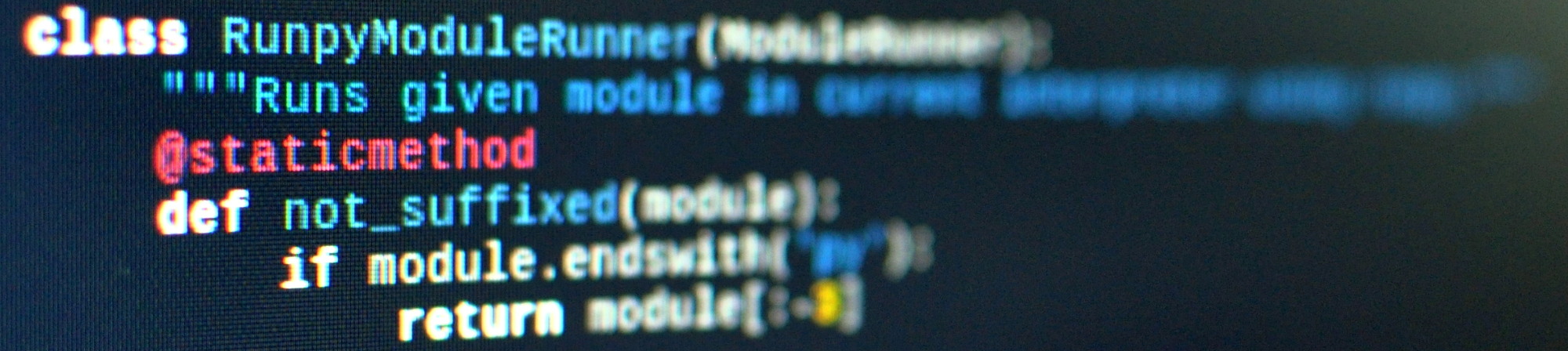
Multiple implementations of the Python programming language, including the newest CPython and PyPy versions

All you need to learn or teach science in Python including SciPy

An enhanced interactive Python shell

A web-based notebook environment for interactive computing and visualizations

Popular version control system

virtualenv management and test command line tool
Create isolated python environments

A simple Python editor for beginner programmers

Python’s Integrated Development and Learning Environment
DATA DI RILASCIO: martedì 7 novembre 2023
Per sistemi Intel e AMD x86_64
Una volta che hai scaricato un'immagine accertati di controllarla, per sicurezza e per integrità.
Calcolando il checksum dell'immagine sul tuo computer e confrontandolo con il checksum originale, puoi verificare che l'immagine non sia stata manomessa o corrotta. Le immagini sono anche firmate con le chiavi gpg di Fedora per dimostrarne l'integrità.
Click the verify button to download the checksum file for your downloaded image.
Importa le chiavi GPG di Fedora
curl -O https://fedoraproject.org/fedora.gpg
You can verify the details of the GPG key(s) here.
Verifica che il file di checksum sia valido
gpgv --keyring ./fedora.gpg Fedora-Labs-39-1.5-*-CHECKSUM
Verifica che il checksum corrisponda
sha256sum -c Fedora-Labs-39-1.5-*-CHECKSUM
Se l'output indica che il file è valido, allora è pronto per l'uso!

By clicking on and downloading Fedora, you agree to comply with the Fedora Export Control Policy.